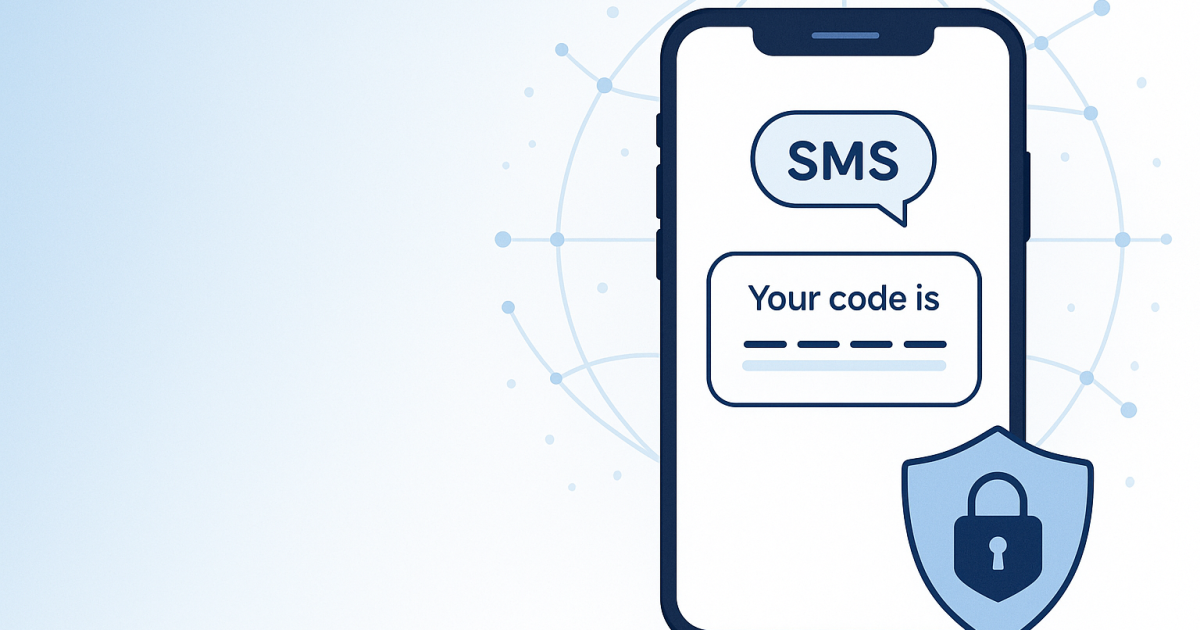
Everything You Need to Know About Text Message Verification Codes
Introduction
A text message verification code, often referred to as an SMS verification code, is a vital security feature used by many online services. It ensures that you are who you say you are by sending a one-time code directly to your phone. This process adds an extra layer of security when you are logging into accounts or performing sensitive actions online. While it might seem like a hassle, this simple method can provide peace of mind against unauthorized access.
What It Means / How It Works
A text message verification code works through a process called SMS (Short Message Service) verification. Here’s how it generally functions:
- When you try to log into an account or perform a secure transaction, the service requests your phone number.
- After entering your number, the service sends a unique verification code via text message to that number.
- You receive the text on your mobile device, which contains the one-time code (usually 4 to 6 digits).
- After receiving the SMS, you input the code into the website or app to complete the verification process.
- If the code is correct, you gain access or complete your transaction; incorrect codes will prompt you to try again.
This form of verification verifies not only your identity but also strengthens the security of your personal or financial data.
Practical Scenarios
Text message verification codes are used in various scenarios. Here are some common examples:
- Account Logging: Many services, including email and social media, require you to enter a verification code each time you log in from a new device.
- Transaction Confirmation: E-commerce platforms often send verification codes before completing purchases, adding another security layer.
- Password Recovery: If you forget your password, companies might send a code to your phone to confirm your identity during the recovery process.
- Banking Alerts: Banks utilize verification codes for alerting suspicious activities or when significant changes are made to accounts.
- Two-Factor Authentication (2FA): Text message codes are often part of 2FA systems, strengthening user authentication beyond just passwords.
- New Device Usage: Services will send you a code when you log in from a device that hasn’t been recognized before.
- Event Registrations: Many seminars or events send confirmation codes for registered attendees via text.
- Promotional Offers: Some websites send out text-based discount codes for promotion or loyalty points as part of attraction strategies.
Step-by-Step
If you are new to using text message verification codes, here’s a step-by-step guide to help you navigate the process:
- Enter Your Phone Number: When prompted, provide your phone number on the service prompting verification.
- Check Your Inbox: After submitting your number, monitor your phone for the incoming text message containing the verification code.
- Retrieve the Code: Read the text message carefully. It will usually display a 4 to 6-digit code to enter.
- Input the Code: Type the verification code into the designated field on the service’s website or app.
- Submit: Click any "submit" or "verify" button to finalize your entry. Make sure the code you entered matches exactly what you received.
- Follow Any Further Instructions: Depending on the service, you may get further prompts or a confirmation that you're now authenticated.
If you do not receive the SMS, check your network connection or ensure that your phone can receive text messages.
Safety/Privacy/Legal
Using text message verification codes can feel secure, but there are privacy and security considerations to be aware of:
- SIM Card Swapping: Attackers may try sim-swapping to gain unauthorized access to your text messages, so always protect your mobile account.
- Phishing Attacks: Be cautious when entering codes if prompted suddenly that you did not initiate, as this may be a phishing attempt.
- Semi-weak Security: While SMS verification adds a layer of security, it is possible for hackers to intercept SMS messages.
- Data Privacy Laws: Familiarize yourself with local data protection regulations, such as GDPR, affecting how your personal information is handled and secured.
- Limited Accessibility: If you lose access to your phone temporarily, it could hinder your ability to receive necessary verification codes.
Being informed will help you make sure the benefits of using text verification codes don’t outweigh the risks.
Best Alternatives
While SMS verification codes are popular, there are more secure alternatives:
- Authenticator Apps: Using apps like Google Authenticator provides a more secure time-based verification mechanism and reduces risks associated with SMS.
- Email Verification: Verifying with email can serve as an alternative, although it is typically slower than SMS.
- Security Keys: Hardware tokens, such as YubiKeys, let you complete login security efficiently with solid protection underlying them.
If you are often on the go or prefer more privacy protection, using services like PVACodes to receive SMS verification codes could be worthwhile. These unique numbers provide a safe environment to manage verification securely.
Frequently Asked Questions
What is a text message verification code?
A text message verification code is a one-time code sent via SMS used to authenticate your identity while logging in or performing secure actions online.
Why do I need a verification code?
Verification codes add an extra layer of security to ensure that only authorized users have access to accounts or can perform sensitive transactions.
What if I don’t receive the SMS?
If you don't receive the SMS, check your phone's signal, demographic compatibility with country carriers, or any blocking issues that may affect your messages.
Can someone else access my verification code?
If your phone is compromised or if your number is projected to suspicious activity, someone could gain access to your SMS verification codes. Always keep your phone secure.
How long is a verification code valid?
Most verification codes expire within a few minutes to enhance security; however, this may vary depending on the service.
Is SMS verification secure?
While SMS verification enhances security, it is not foolproof due to potential risks involving different attack vectors. Using alternatives like authenticator apps might be safer.
Can I use the same phone number for multiple accounts?
Yes, you can typically use the same phone number for various online accounts, but check the terms of each site, as some may have restrictions.
Is it possible to use landlines for SMS verification?
No, SMS verification requires a mobile number as it is based on the capability to send text messages; landlines cannot receive these types of messages.
Are verification codes always SMS-based?
No, other formats exist, such as voice call codes and email codes, but SMS is the most commonly used method.
What happens if I reset my phone without saving the codes?
If you reset your phone and lose access to SMS verification codes, you may need to go through the account recovery options offered by the respective services, which often mandates secondary checks such as email validation.
Conclusion
Text message verification codes play a crucial role in enhancing your online security. By confirming your identity, these codes form a barrier against unauthorized access. Although better alternatives exist, SMS verification remains a widely accepted method. Understanding how it works encourages its effective use while mitigating risks. Always stay informed and prioritize security steps relevant to your digital presence.